Loading and Displaying OBJ Files with Three.js[r145] “OBJLoader.js”
Do you want to load 3D models in Three.js?
This article explains in detail how to load OBJ files using OBJLoader, along with the implementation steps.
By using OBJLoader, you can import .obj files created in modeling tools such as Blender.
<script src="./three_r145/loaders/OBJLoader.js"></script>
  var objLoader = new THREE.OBJLoader();
  objLoader.load('./three_r145/obj/sofa.obj',function(obj){
  //Process after the OBJ file has been loaded
  });
OBJ files tend to contain a large number of vertices, so you can optimize rendering performance by merging nearby vertices using .mergeVertices within a specified tolerance.
However, you must recalculate the normal vectors afterward using .computeVertexNormals().
  //Merge vertices within ±0.1 to reduce vertex count and lighten geometry
  child.geometry=THREE.BufferGeometryUtils.mergeVertices(child.geometry,0.1);
  //Recalculate normal vectors
  child.geometry.computeVertexNormals();
Rotate with left mouse drag, move the camera with right mouse drag, and zoom with the mouse wheel.
On touch devices: swipe to rotate, drag with two fingers to move the camera, and pinch in/out to zoom.
Source Code
<script src="./three_r145/three.min.js"></script>
<script src="./three_r145/OrbitControls.js"></script>
<script src="./three_r145/loaders/OBJLoader.js"></script>
<script src="./three_r145/loaders/MTLLoader.js"></script>
<script src="./three_r145/utils/BufferGeometryUtils.js"></script>
<script>
・・・
  //Create material
  var mate = new THREE.MeshLambertMaterial( { color: 0x99AACC, side:THREE.FrontSide, flatShading:false, transparent:false, opacity:1.0} );

  var objLoader = new THREE.OBJLoader();
  //Load the OBJ file
  objLoader.load('./three_r145/obj/sofa.obj',function(obj){
    obj.traverse(function(child){
      child.castShadow=true;
      child.receiveShadow=true;
      if(child.isMesh){
        child.material=mate;
      }
      if(child.geometry!==undefined){
        //Merge vertices within ±0.1 to reduce vertex count and optimize performance
        child.geometry=THREE.BufferGeometryUtils.mergeVertices(child.geometry,0.1);
        //Recalculate normal vectors
        child.geometry.computeVertexNormals();
      }
    });
    obj.scale.set(0.1,0.1,0.1);
    obj.position.set(0,0,0);
    obj.castShadow=true;
    obj.recieveShadow=true;
    scene.add(obj);
  });
</script>
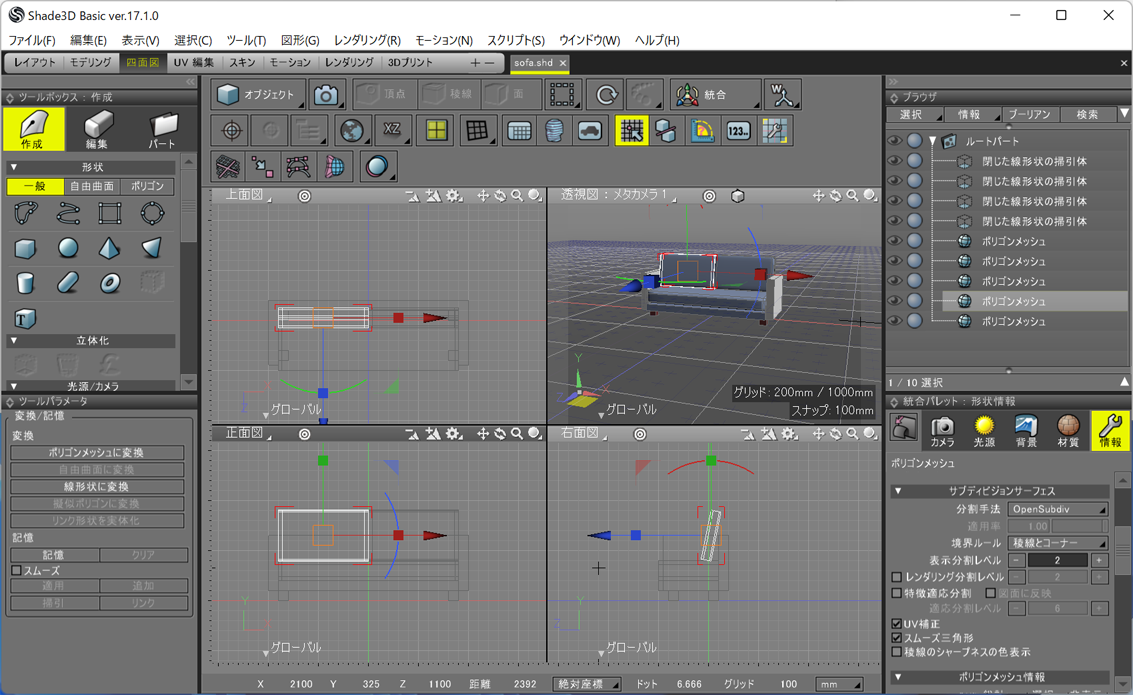
The modeling and OBJ file were created using Shade3D.