
Panoramic Display of 360° Images with Three.js | Virtual Exhibition with Click or Tap to View Information
This is an interactive implementation example that displays 360° panoramic images using Three.js, allowing information to be shown by clicking or tapping.
You can rotate the viewpoint with mouse operations and zoom in/out with the wheel.
Clicking the red frame displays explanations, embedding meaning within the structure by design.
Practical applications include product descriptions for e-commerce sites, exhibition guides, and supplementary technical documentation.
- Rotate the viewpoint of 360° panoramic photos freely with mouse drag or panning, experiencing realistic immersion as if being there.
- Explore various places, landscapes, and exhibition halls, and view details by clicking or tapping.
- Seamless navigation can also link to product sites in e-commerce systems.
- Accessible from smartphones and tablets as well.
Rotate the viewpoint with left mouse drag (panning). Zoom in/out with the wheel (pinch in, pinch out). Click the red square frame to display explanations.
// Get the rendering canvas
let can=document.getElementById("can");
// Get canvas width and height
let w=parseInt(window.getComputedStyle(can).width);
let h=parseInt(window.getComputedStyle(can).height);
let mouse=[];
// Convert mouse click coordinates relative to canvas into X(-1 to +1), Y(inverted -1 to +1)
point.x= event.offsetX/w*2-1;
point.y=-event.offsetY/h*2+1;
// Create raycaster
let ray=new THREE.Raycaster();
// Generate a ray (light vector) extending straight from the mouse position
ray.setFromCamera(point,camera);
// Find coordinates of objects intersected by the ray
let s=ray.intersectObjects(scene.children);
if(s.length>0){ // If there are intersecting objects
  // Some processing
}
A 360° photo is texture-mapped onto a sphere.
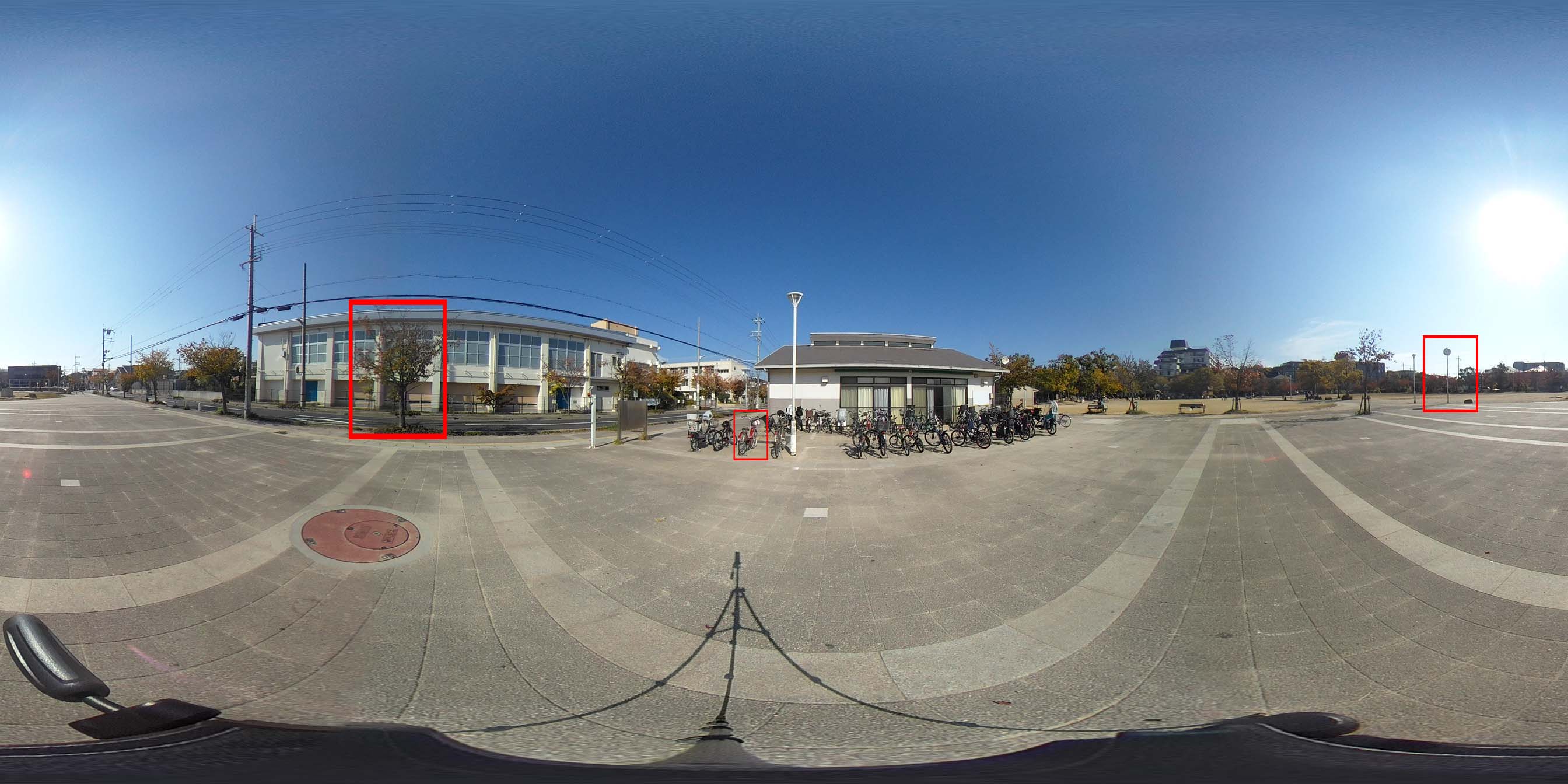
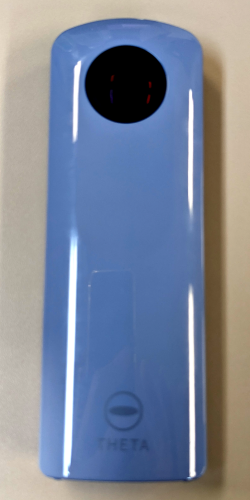
The photo was taken with a RICOH THETA SC2.
Three.js can be downloaded from the following URL:
https://threejs.org/
For the Three.js license, see the following URL:
https://github.com/mrdoob/three.js/blob/dev/LICENSE