
Copy‑and‑Paste Ready! A Lightweight and Simple Fade‑Out Image Carousel (CSS + JavaScript)
Traditional carousels are used on countless websites, and they no longer attract much attention.
By displaying a carousel that looks different from the usual ones, you have a better chance of catching the viewer’s interest.
With mam_fadeout_carousel.js — a carousel that stacks randomly rotated images and switches them using a fade‑out effect — you can create something more eye‑catching than a standard carousel.
Features of mam_fadeout_carousel.js
- Runs as a simple JavaScript class
- Randomly rotates images and switches them with a fade‑out effect
- Lightweight and highly versatile
How to Use mam_fadeout_carousel.js
-
Click the button below to download mam_fadeout_carousel.js.
Download mam_fadeout_carousel.js (17KB)
-
In the file where you want to use mam_fadeout_carousel.js, specify it with a relative or absolute path.
Set the class "mamfadeinout" on the DIV you want to apply it to. Then update the image sources and link targets inside the tags as you like.<script src="./js/mam_fadeout_carousel.js"></script> <div class="mamfadeinout"> <a href="1.html"><img src="fio1.jpg"></a> </div>
Fade‑Out Image Switching! Carousel Usage Examples (CSS + JavaScript)
For best results, use wide images with an aspect ratio of approximately 4:1.

<script src="./js/mam_fadeout_carousel.js"></script>
<div id="mamfadeinout">
  <a href="/javascript/three_js_material.html" target="_blank"><img src="./imgs/fc01.png"></a>
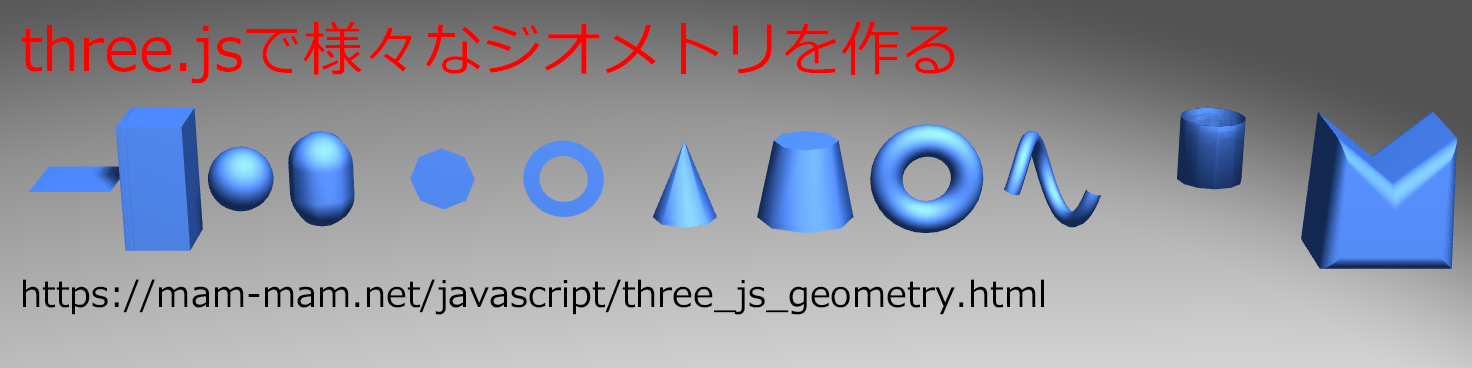
  <a href="/javascript/three_js_geometry.html" target="_blank"><img src="./imgs/fc02.png"></a>
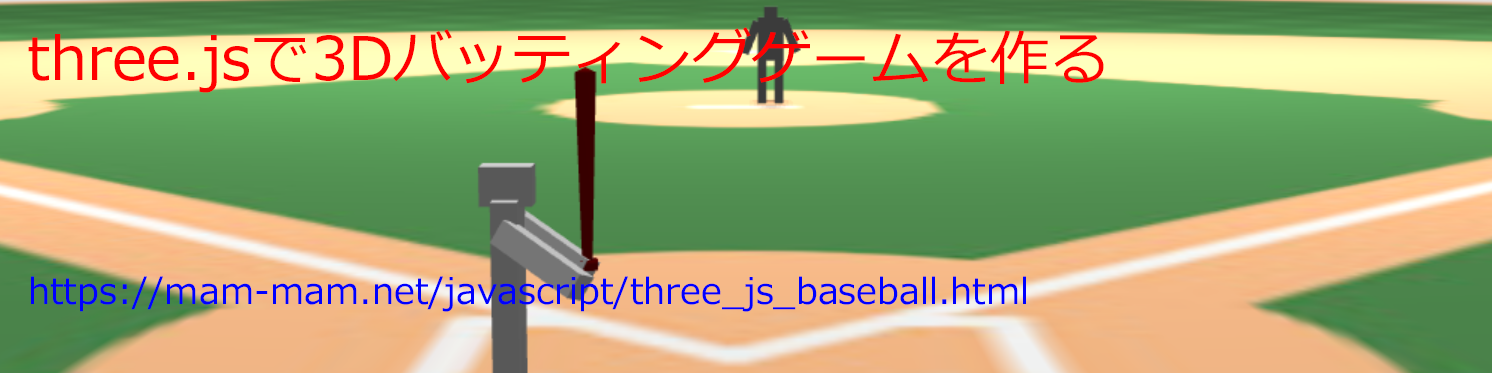
  <a href="/javascript/three_js_baseball.html" target="_blank"><img src="./imgs/fc03.png"></a>
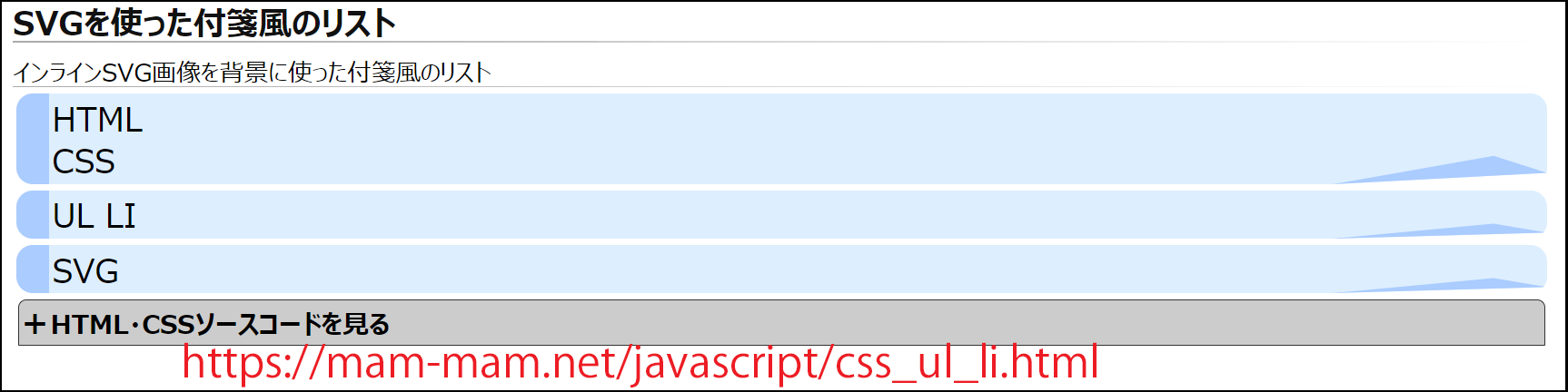
  <a href="/javascript/css_ul_li.html" target="_blank"><img src="./imgs/fc04.png"></a>
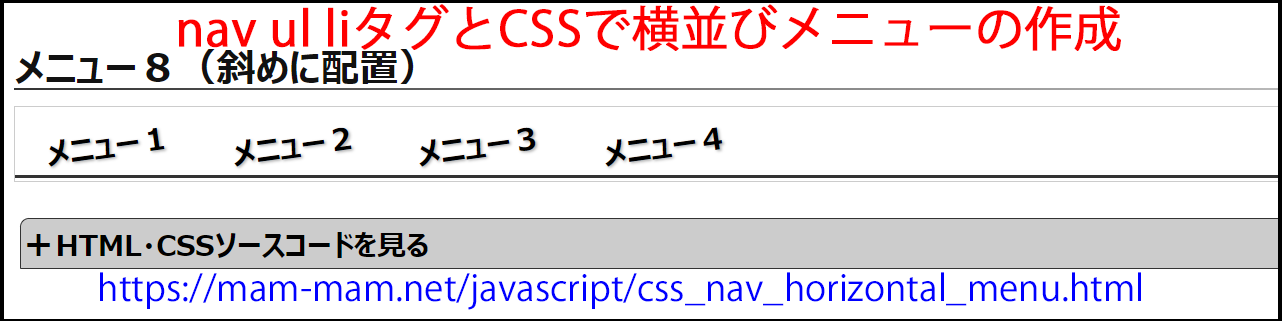
  <a href="/javascript/css_nav_horizontal_menu.html" target="_blank"><img src="./imgs/fc05.png"></a>
  <a href="/javascript/css_toggle_switch.html" target="_blank"><img src="./imgs/fc06.png"></a>
</div>