
Sequential animations with split, rotation, movement, and fade‑out effects
This page introduces mamImageSplitCarousel.js, a JavaScript‑only library that switches images using
splitting, rotating, moving, and fading effects to create a unique carousel‑style animation.
Unlike typical sliders, it delivers a visually impactful transition while remaining simple to set up.
It’s ideal for portfolios, landing pages, and any UI where you want to leave a memorable impression.
How to use
-
mamimgsplit_carousel.js(7KB) Download
Download mamimgsplit_carousel.js using the button above.
-
In the file where you want to use mamImageSplitCarousel, include the script as follows
using a relative or absolute path:
<script src="./js/mamimgsplit_carousel.js"></script>
-
Create a <div> element with the class name "mam-image-split-carousel".
Set thedata-splitattribute to specify the maximum number of vertical or horizontal splits.
Inside this <div>, add a child <div> with the class "mam-image-split-carousel-child".
Inside that child element, place an <a> tag, and inside the <a> tag place an <img> tag.
  <div class="mam-image-split-carousel" data-split="20" >
    <div class="mam-image-split-carousel-child">
      <a href="URL if linking"><img src="Image URL1"></a>
    </div>
    <div class="mam-image-split-carousel-child">
      <a href="URL if linking"><img src="Image URL2"></a>
    </div>
  </div>
Example
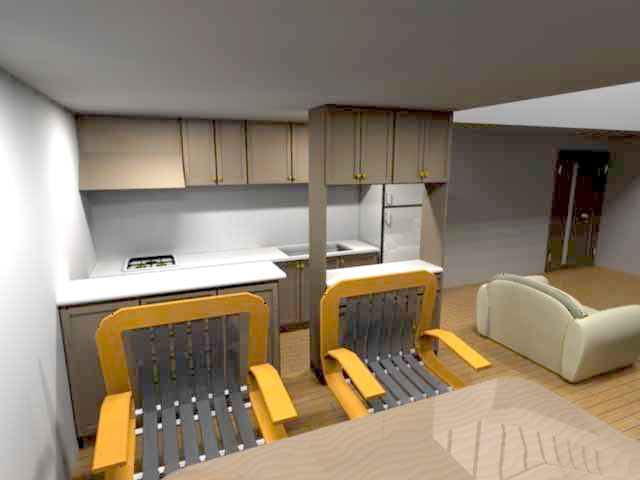
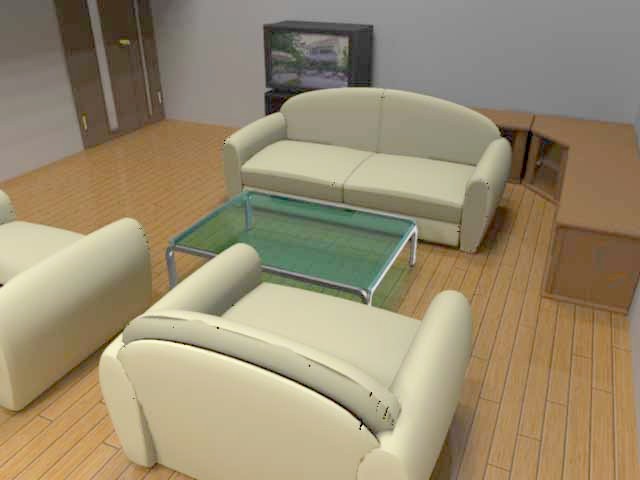
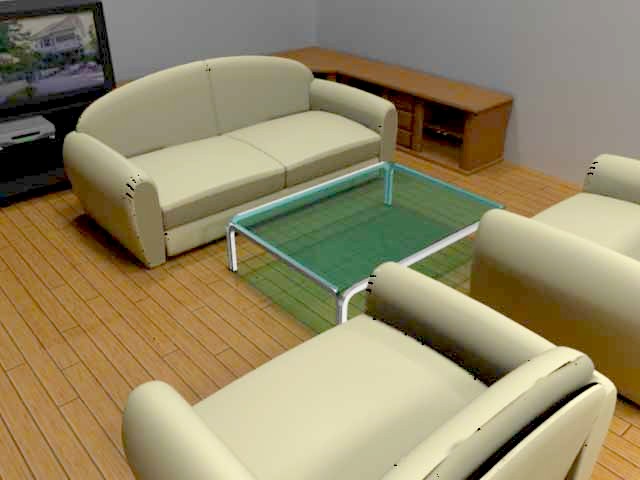
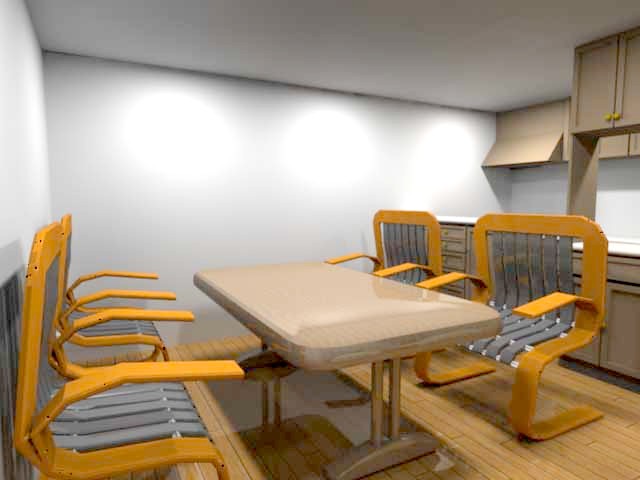
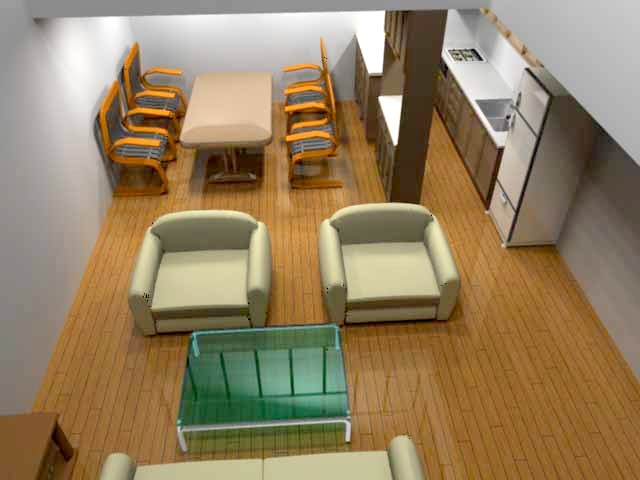
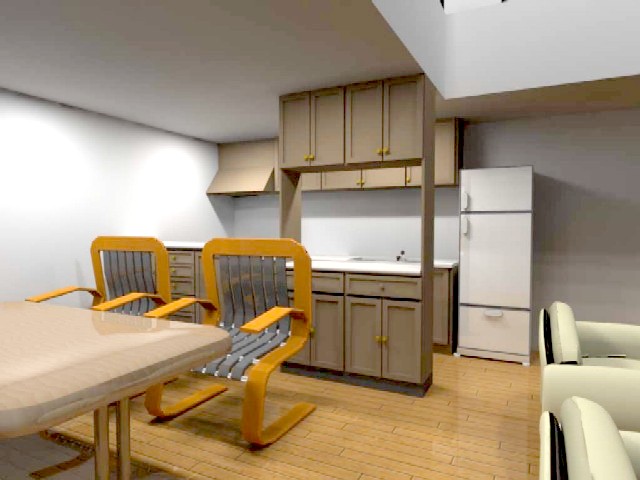
<div style="display:flex;">
  <div style="width:20%;"></div>
  <div class="mam-image-split-carousel" style="max-width:800px;width:80%;" data-split="20">
    <div class="mam-image-split-carousel-child">
      <a href=""><img src="./imgs/car1.jpg" style="width:100%;"></a>
    </div>
    <div class="mam-image-split-carousel-child">
      <a href=""><img src="./imgs/car2.jpg" style="width:100%;"></a>
    </div>
    <div class="mam-image-split-carousel-child">
      <a href=""><img src="./imgs/car3.jpg" style="width:100%;"></a>
    </div>
  </div>
  <div style="width:20%;"></div>
</div>