Delphiでスタートアップにショートカット(.lnk)を作成する方法|Windows自動起動設定の実装例
このページでは、Delphiを使ってWindowsのスタートアップフォルダにショートカット(.lnkファイル)を作成し、アプリケーションをログオン時に自動起動させる方法を解説します。
使用する主な技術:
- Windows API:SHGetSpecialFolderPath
- COMインターフェース:IShellLink / IPersistFile
- Delphiの標準ライブラリを活用した簡潔な実装
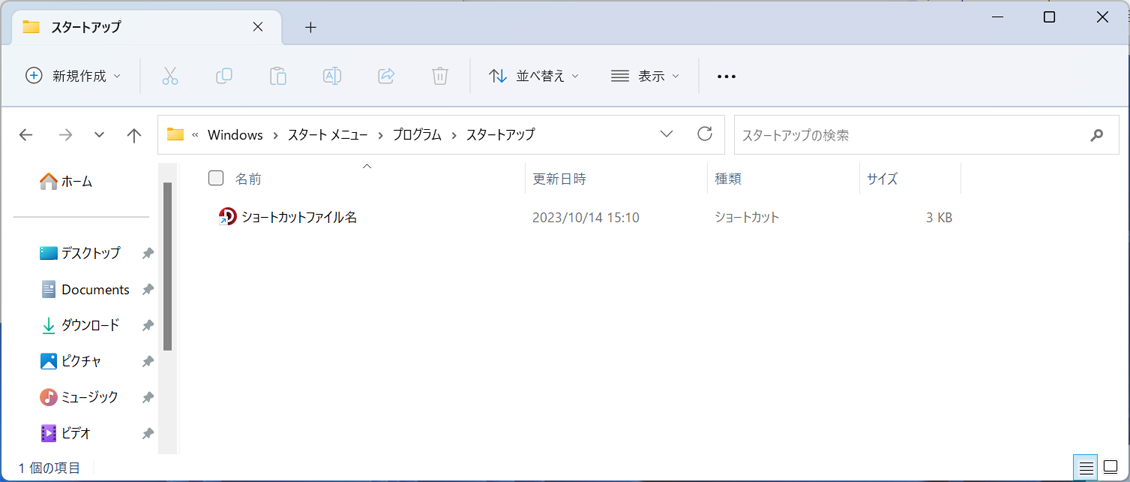
スタートアップフォルダの標準パスは以下の通りです:
`C:\Users\[ユーザー名]\AppData\Roaming\Microsoft\Windows\Start Menu\Programs\Startup`
この方法を使えば、インストーラー不要でアプリの自動起動設定が可能になります。サンプルコード付きで、実装の流れをわかりやすく紹介しています。
プロジェクトの作成と画面設計
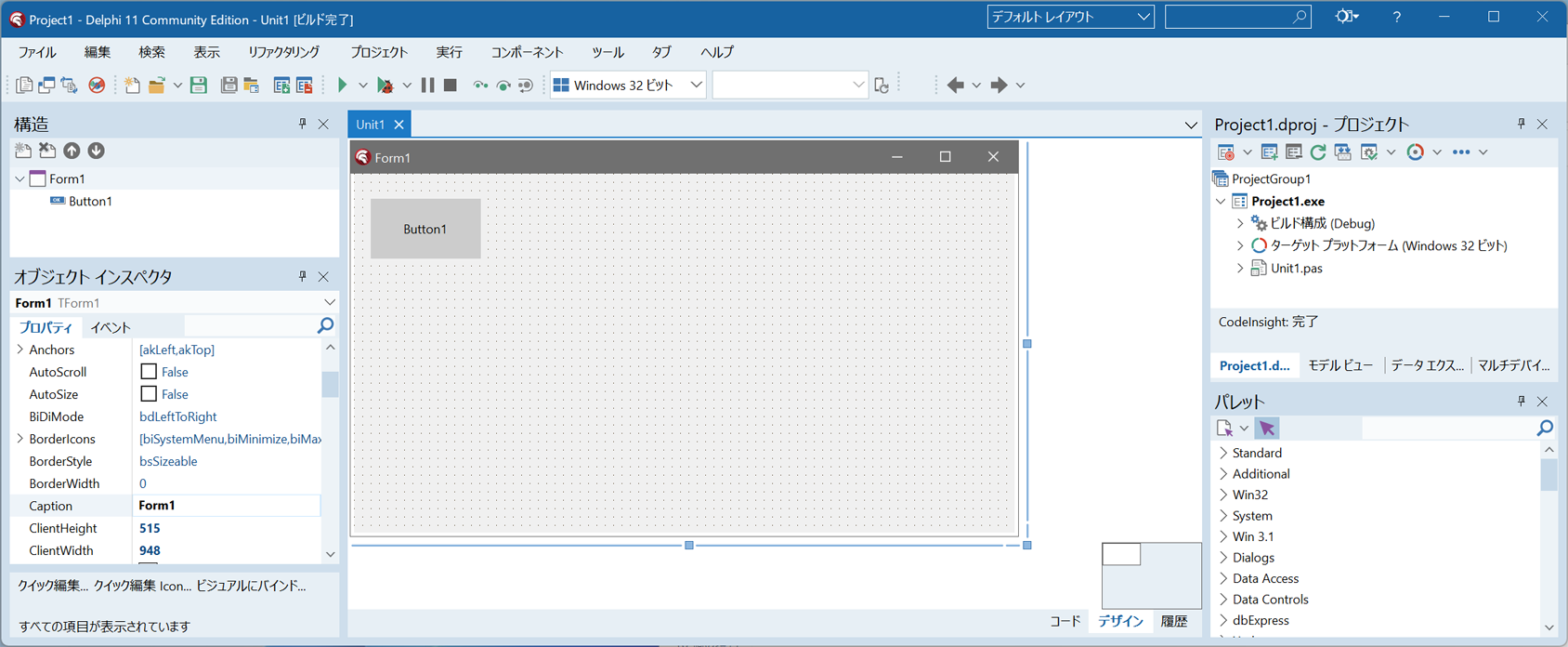
Delphiを起動し、メニューから「ファイル」⇒「新規作成」⇒
「Windows VCLアプリケーション -Delphi(W)」をクリックします。
フォーム(Form1)にTButton×1個をドラッグ&ドロップします。
すべて保存をクリックして、プロジェクトフォルダを作成し、ユニットとプロジェクトを保存します。
ソースコードの記述
Button1をダブルクリックしてソースコードを記述します。
unit Unit1;

interface

uses
  Winapi.Windows, Winapi.Messages, System.SysUtils, System.Variants, System.Classes,
  Vcl.Graphics, Vcl.Controls, Vcl.Forms, Vcl.Dialogs, Vcl.StdCtrls;

type
  TForm1 = class(TForm)
    Button1: TButton;
    procedure Button1Click(Sender: TObject);
  private
    { Private 宣言 }
  public
    { Public 宣言 }
  end;

var
  Form1: TForm1;

implementation

{$R *.dfm}

Uses ShlObj,ActiveX,ComObj;

procedure TForm1.Button1Click(Sender: TObject);
var pc:PChar;
    Path:String;
    IFace:IInterface;
    ShellLink: IShellLink;
    PersistFile: IPersistFile;
begin
  GetMem(pc,2048);
  try
    //スタートアップのフルパスを取得する
    SHGetSpecialFolderPath(Handle,pc,CSIDL_STARTUP,False);
    Path:=pc;
  finally
    FreeMem(pc);
  end;
  //IShellLink、IPersistent インターフェースの取得
  IFace:=CreateComObject(CLSID_SHELLLINK);
  ShellLink:=IFace as IShellLink;
  PersistFile:=IFace as IPersistFile;

  //ショートカットのリンク先ファイル名を設定
  ShellLink.SetPath(PChar(Application.ExeName));
  //ショートカットの作業フォルダーを設定
  ShellLink.SetWorkingDirectory(PChar(ExtractFileDir(Application.ExeName)));
  //ショートカットのICONの設定
  ShellLink.SetIconLocation(PChar(Application.ExeName),0);
  //ショートカットに引数を入れる場合
  ShellLink.SetArguments(PChar(''));
  //ショートカットに説明(コメント)を入れる場合
  ShellLink.SetDescription(PChar('説明です'));

  //ショートカットを作成する
  PersistFile.Save( PChar(Path+'\ショートカットファイル名.lnk'), True);
end;

end.
実行する
メニューから「実行」⇒「実行」をクリックすると、コンパイルと実行が行われます。
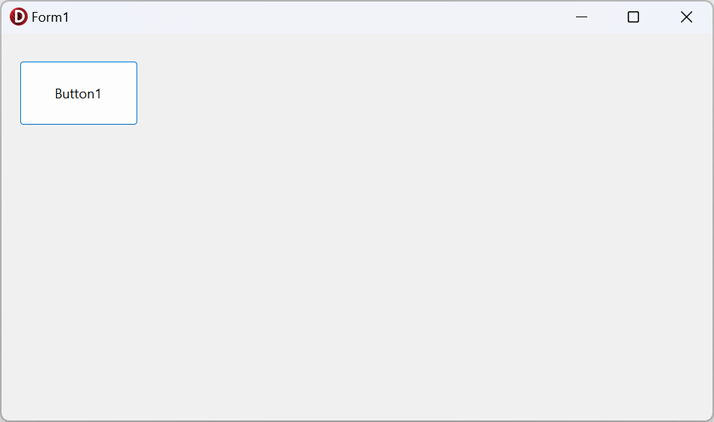
Button1をクリックするとWindows OSの「スタートアップ」フォルダにショートカットが作成されます。
「スタートアップ」フォルダにショートカット(.lnk)ファイルが作成されたので、Windows OSのログオン時に、本アプリケーションが自動起動します。
自動起動させたくない場合は、ショートカット(.lnk)ファイルを削除してください。